Google Autocomplete and Related Searches show you the exact words real people type into Google, for free. Autocomplete predicts searches as you type, and Related Searches and People Also Ask show what people search for next. Together they’re one of the best free ways for a small business to find keywords, questions, and content ideas that customers are actually using.
I’ve used these features for keyword research since I started GO-SEO in 2007, and they’re still the first place I look. Here’s how to use them, what’s changed with AI search, and how to turn what you find into pages that rank.
Key takeaways
- Autocomplete shows popular searches that start with the words you type.
- People Also Ask and Related Searches show the questions and follow-up searches around a topic.
- Search logged out or in a private window so your own history doesn’t skew the results.
- Turn questions into headings and FAQs. That’s how pages win snippets and AI citations.
- Check volume and intent before building a page around any phrase.
What are Google Autocomplete and Related Searches?
Google Autocomplete is the list of suggestions that drops down as you type in the search box. Related Searches are the suggested searches Google shows at the bottom of the results page. Both come from what people actually search for, which makes them a free, real-time look at how your customers describe what they need.
Google also shows two close cousins on many results pages:
- People Also Ask: a box of questions that expand to show short answers, usually near the top of the page.
- People Also Search For: related searches that sometimes appear after you click a result and come back to Google.
Google explains how predictions are generated in its post on how Google autocomplete predictions work.
How do I use Google Autocomplete for keyword research?
Start with a short phrase that describes your service, type it into Google slowly, and write down the suggestions. Then add letters, question words, and locations to uncover longer, more specific searches. These longer phrases usually have less competition and come from people who are closer to hiring someone.
- Use a private window. Autocomplete changes based on your location and, if you’re signed in, your own search history. A private or incognito window gives you a cleaner view.
- Start with a seed phrase. For example, a photographer might type “headshot photographer.”
- Add each letter of the alphabet. Type “headshot photographer a,” then “b,” and so on. You’ll see suggestions like “headshot photographer cost” or “headshot photographer for actors.”
- Add question words. Try “how much,” “how to,” “what,” “why,” and “best” before your phrase to find the questions people ask.
- Add your city or “near me.” For a local business, phrases like “headshot photographer Burbank” show how people search in your area.
- Save everything in a spreadsheet. Group the phrases by topic so you can see which ones belong on the same page.
Want to speed this up? Our free Keyword Generator builds keyword ideas for your business in seconds.
What’s the difference between Related Searches, People Also Ask, and People Also Search For?
All three show what people search for around a topic, but each one reveals something different. People Also Ask shows the questions people want answered, Related Searches shows where people go next, and People Also Search For shows what people look for when the first result didn’t satisfy them.
| Feature | Where it appears | What it tells you | Best use |
|---|---|---|---|
| Autocomplete | In the search box as you type | Popular searches that start with your words | Finding longer keyword phrases |
| People Also Ask | A box of questions, often near the top | The questions people want answered | H2 headings and FAQ sections |
| Related Searches | The bottom of the results page | Where people go after their first search | Related topics and new page ideas |
| People Also Search For | After you click a result and return | What people wanted but didn’t find | Filling gaps in your content |
How do I turn these searches into content?
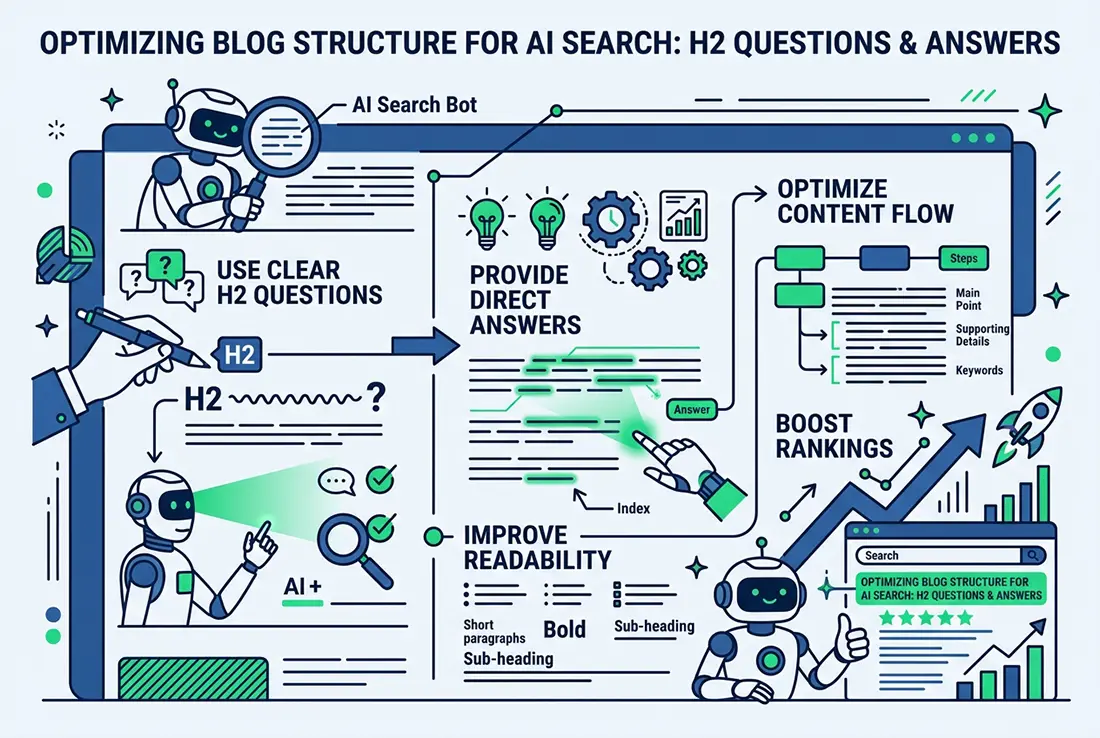
Turn the questions into headings, and the main phrases into page topics. Each important service or question should have one clear page, with the questions people ask answered directly under question-style headings. That structure helps Google show your page as a snippet, and it makes your answers easy for AI tools to quote.
- Use questions as H2 headings. Then answer each one in the first sentence or two below it.
- Add an FAQ section for the smaller questions that don’t need a full section.
- Group related phrases on one page. “Headshot photographer cost” and “how much are professional headshots” belong together, not on two separate pages competing with each other.
- Build topic clusters. One main page on a service, supported by blog posts that answer related questions and link back to it.
- Put your main phrase in the title tag. Here’s more on why title tags still matter for SEO.
Do Autocomplete and Related Searches matter for AI search?
Yes. Google’s AI Overviews and AI tools like ChatGPT and Perplexity answer the same questions people type into Google, and many of them suggest follow-up questions after each answer. Pages that answer a topic’s main question and its natural follow-ups have a better chance of being cited throughout the conversation, not just once.
We saw this firsthand. When we asked Perplexity to summarize our article on SEO pricing, it suggested follow-up questions like “How do I know if an SEO quote is reasonable?” and “What is the difference between local and national SEO pricing?” We added sections answering both. Treat follow-up suggestions in AI tools the same way you treat People Also Ask: as a list of questions your page should answer. Learn more in What is Generative Engine Optimization (GEO)?
Which tools make keyword research faster?
Google Search Console is the best free tool to pair with Autocomplete, because it shows the searches people already use to find your site. Add a few free or low-cost tools, and you’ll know which phrases have real search volume before you build pages around them.
- Google Search Console: the Performance report shows the exact searches that already bring up your site, including ones you haven’t targeted yet.
- Google Trends: shows whether interest in a phrase is growing, shrinking, or seasonal.
- Keywords Everywhere: a browser extension that adds search volume to Google’s own results, including Autocomplete and People Also Ask.
- AlsoAsked and AnswerThePublic: gather People Also Ask and Autocomplete questions into one view.
- Our free Keyword Generator: quick keyword ideas based on your business and location.
What mistakes should I avoid?
The most common mistakes are trusting results skewed by your own search history, building pages for phrases nobody searches, and stuffing every variation into one page. Autocomplete shows what’s popular, not what’s right for your business, so always check search volume and intent first.
- Searching while signed in. Your history shapes the suggestions. Use a private window.
- Chasing zero-volume phrases. A suggestion can appear even if very few people search for it. Check the volume before you write.
- Ignoring intent. “Headshot photography tips” is someone learning, not someone hiring. Match each phrase to the right kind of page.
- Keyword stuffing. Use phrases where they fit naturally. Google rewards pages that read well, not pages that repeat a phrase.
- Creating near-duplicate pages. One strong page beats five thin pages targeting slight variations of the same search.
Want to know which searches your customers are using? Request a free video SEO + GEO audit and I’ll show you the keywords you’re missing and where your site could rank.